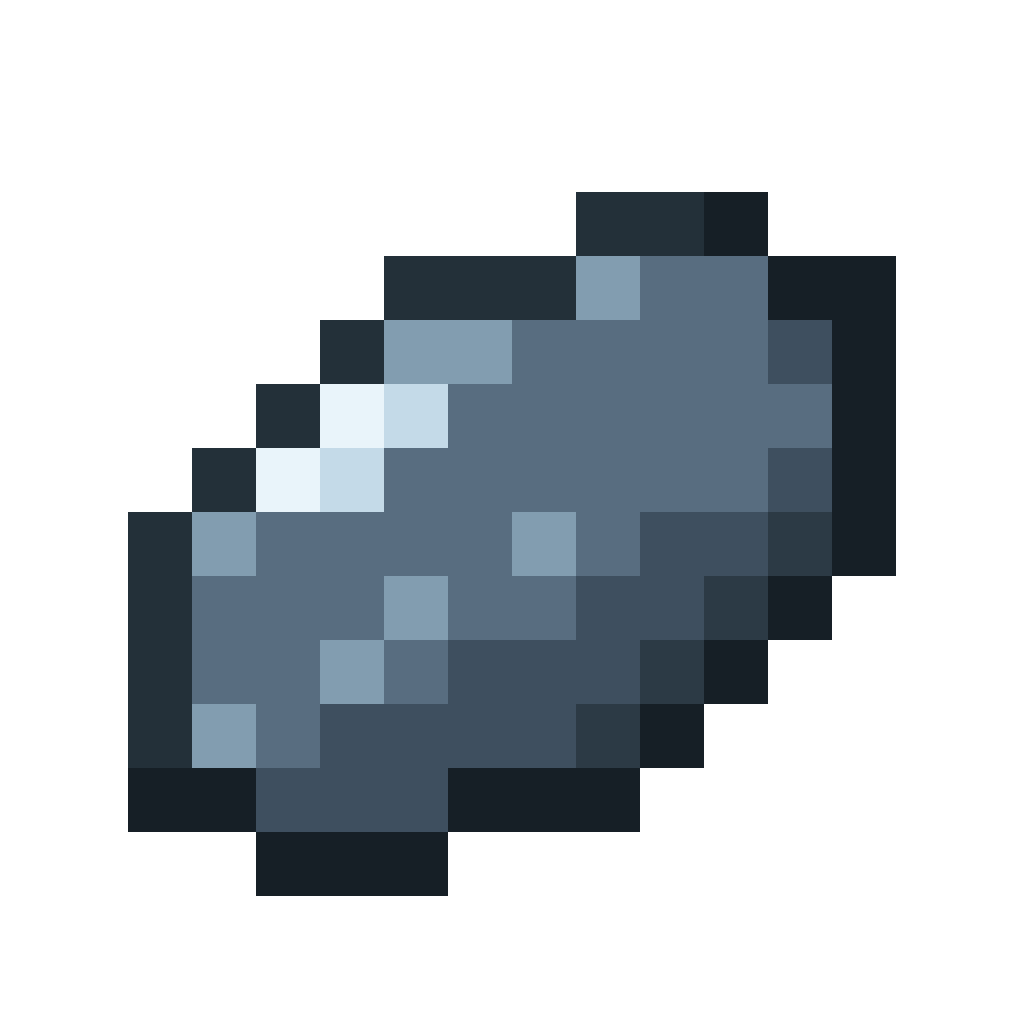
Appearance
Getting started
Skipping Stone adds stones you find along shorelines and throw across water. How far they go depends on the stone, your timing and your aim.
Install
- Install Fabric with Fabric API, or NeoForge, for Minecraft 26.1.2.
- Install CoolerConfig. Skipping Stone needs it and will not load without it.
- Put the Skipping Stone jar in your
modsfolder.
Your first throw
1. Find a shoreline. Look for sand, red sand or gravel with water right next to it, like the edge of a river or a beach.
2. Pick up a stone. With an empty hand, right-click the block. You get a skipping stone and the block sinks a little, becoming a sifted block. Each block only gives one stone.
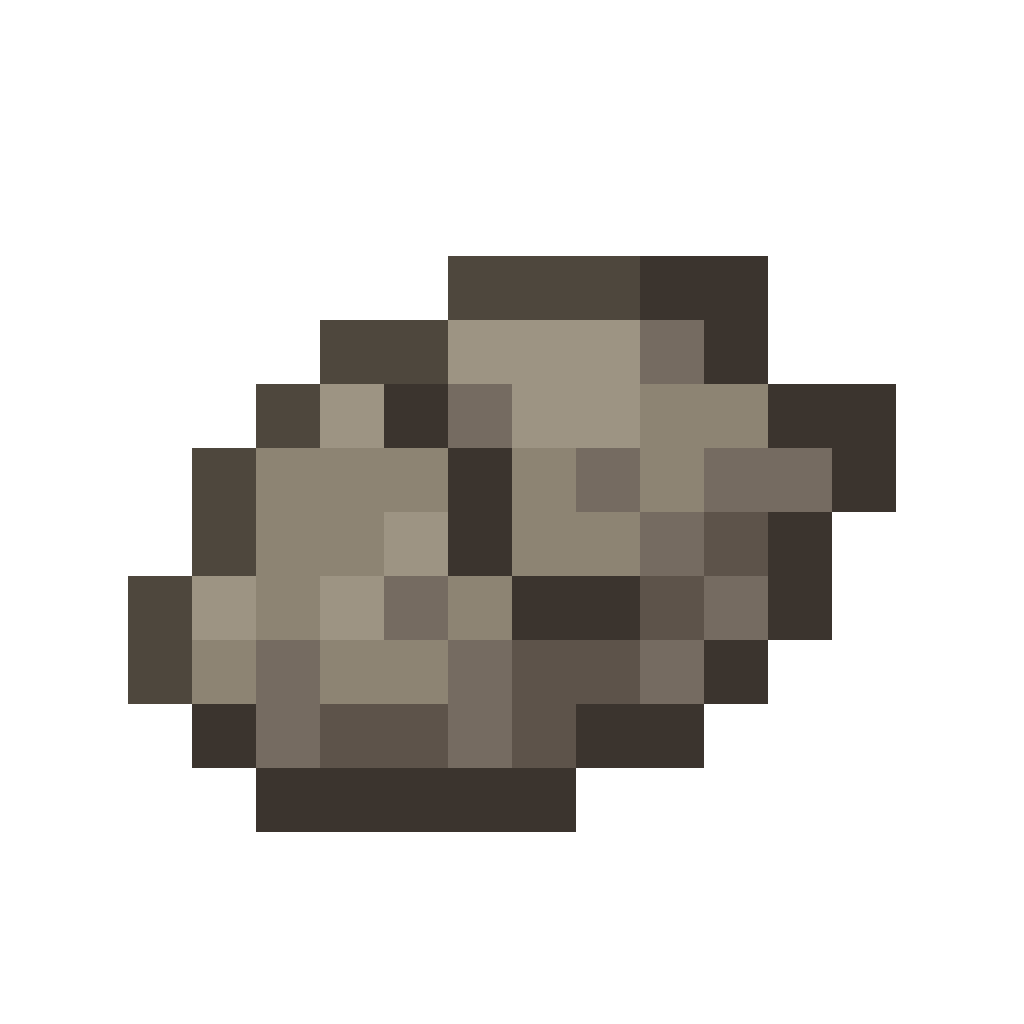 Skipping Stone
3. Face the water and hold right-click. A power meter takes over your experience bar. A marker sweeps across it: red, yellow, green, yellow, red, and back.
4. Let go while the marker is in the green. The stone flies out and skips across the water. The number of skips counts up above your hotbar, and the result shows when the stone sinks.
TIP
Aim a little below the horizon, about where the water meets the far shore. Looking up lobs the stone and it sinks on impact.
Where to go next
- Finding stones: where stones turn up and which biomes give the best ones
- Stone quality: what each quality changes
- Throwing: the power meter, aiming, and what happens in the air
- Records: tracking your best throws