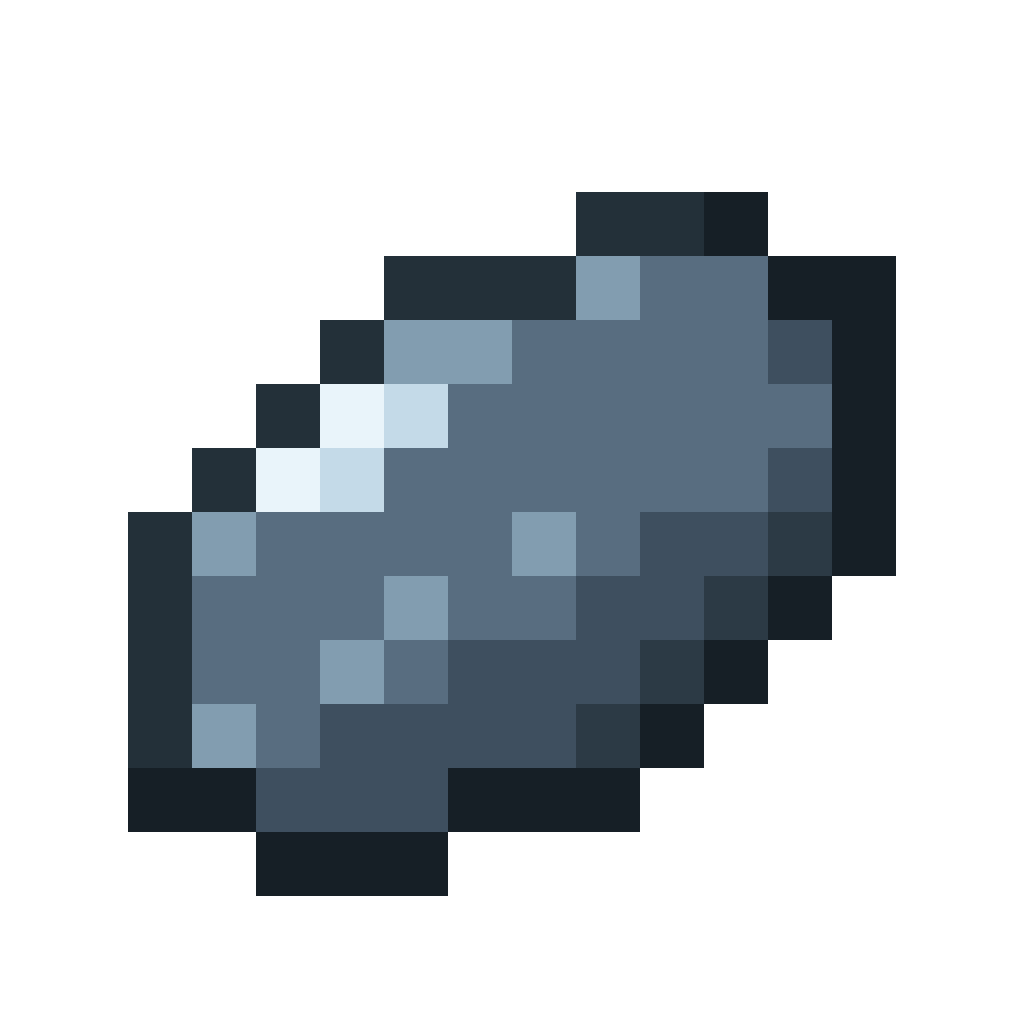
Appearance
Throwing
The power meter
Hold right-click with a skipping stone to charge. A power meter replaces your experience bar while you hold, and your real XP bar comes back as soon as you let go.
A marker sweeps across the bar and back, over and over. Where it is when you let go decides the power of the throw:
| Zone | Power | What happens |
|---|---|---|
| Green | Full | The stone skips as far as it can |
| Yellow | About half | A shorter throw with fewer skips |
| Red | None | The stone sinks as soon as it hits the water |
The better the stone quality, the narrower the green zone.
Try it
Hold the button, and let go when the marker is in the green. The speed and zones match the game.
Aiming
Look slightly down at the water, about 10° below the horizon. That keeps the throw low and flat, like a real skipping stone. The further your aim is from that, the shorter the throw, and 25° off or more makes the stone sink straight away. Looking up is the most common mistake: it lobs the stone high and it hits the water too steeply to skip.
In the air
After you let go, the stone flies out spinning and skips across the water:
- Each skip is shorter and lower than the last, with a smaller splash and a higher-pitched "plip".
- Every skip leaves a ripple on the surface. The skip count shows above your hotbar.
- After the last skip, the stone skims along the surface for a moment, then tips over and sinks.
- When it sinks, the final count and distance show above your hotbar.
If the stone hits land or a mob before it sinks, it drops as an item, so a missed throw does not lose your stone. A mob takes a little damage.
Creative mode
In creative, throwing does not use up the stone.
Multiplayer
The result is worked out on the server, using the moment you let go on your screen. A player cannot claim a green release they did not see. If their timing and the server's disagree by more than a few ticks, the server uses its own.